Mago Converter
Note
Available since version 1.6.0
Table Of Contents
Requirements
- Mago requires PHP version 8.1 or greater.
Installation
Usage
Warning
As Mago 1.x is not able to specify/boot custom renderer easily, we have no other alternative that using the Console Tool convert command.
Build the gitlab output report
And finally, convert it to SARIF with the Console Tool
php report-converter convert mago --input-format=gitlab --input-file=examples/mago/native.gitlab.json -v
Tip
- Without verbose option (
-v) the Console Tool will print a compact SARIF version. --output-fileoption allows to write a copy of the report to a file. By default, the Console Tool will always print the specified report to the standard output.
Alternative :
php report-converter convert mago --input-format=sarif --input-file=examples/mago/native.sarif.json -v > examples/mago/fixed-sarif.json
Learn more
- See demo
examples/mago/directory into this repository.
Web SARIF viewer
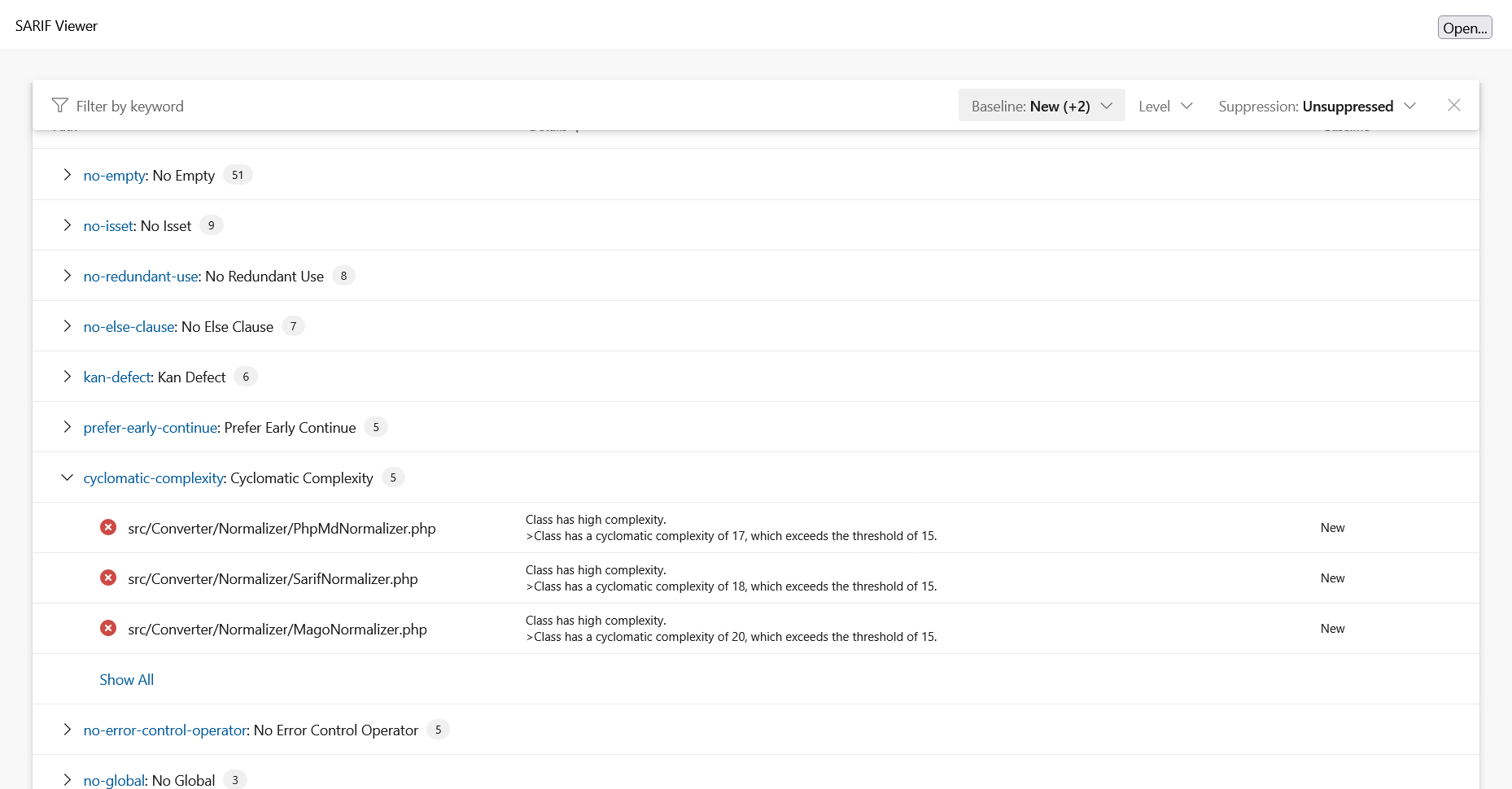
With the React based component, you are able to explore a sarif report file previously generated.
For example: